
GUIDED PRODUCT TOUR
See Nexora work through a customer request.
Follow an example across the CRM workspace, call outcome, workflow and next action. Expand the product screenshots to see the details and choose a tailored demo when you are ready.
CHOOSE A SCENARIO
What would you like to see first?
Switch between sample processes. Each follows a different path through the workspace.
Illustrative workflow
A promising enquiry reaches the right owner.
See how a lead goes from an initial question to a named person and a clear next step.
- The signal
A prospect asks for more information after a sales call.
- What Nexora does
The team records the intent, checks qualification and assigns a follow-up task. A qualified lead can move into the deal pipeline.
- What your team sees
The owner can review the lead history, open the opportunity and see the next action without asking another team to reconstruct it.
Illustrative workflow
A caller gets a clear route to help.
Walk through an example where a voice agent captures intent and the configured workflow passes context to a person.
Illustrative journey. No call is placed.
- The signal
A caller reaches the business number and asks for a callback.
- What Nexora does
The configured voice agent collects the request. The workflow can route an eligible outcome to a task or human handoff.
- What your team sees
An owner can review the conversation outcome and the assigned follow-up. Call routing and available details depend on the connected provider.
Illustrative workflow
A support request keeps its context.
Show your service team how to pick up an enquiry without starting the conversation over.
- The signal
A customer needs help with an open issue and asks to speak to the team.
- What Nexora does
A staff member reviews the available record and ticket history. A configured handoff can route the next action for review.
- What your team sees
The assigned owner knows the issue, what has already been tried and who is responsible for the next update.
Illustrative workflow
An exception becomes something your team can act on.
Review how people can use workflow history to investigate a run and decide what should happen next.
- The signal
An outcome needs review or a workflow reaches a handoff step.
- What Nexora does
The workflow records the path it took. An authorized team member checks the context and any action that was recorded.
- What your team sees
The reviewer can find the relevant run, see which steps completed and decide who should handle the exception.
01 / CUSTOMER WORKSPACE
Start where the team works.
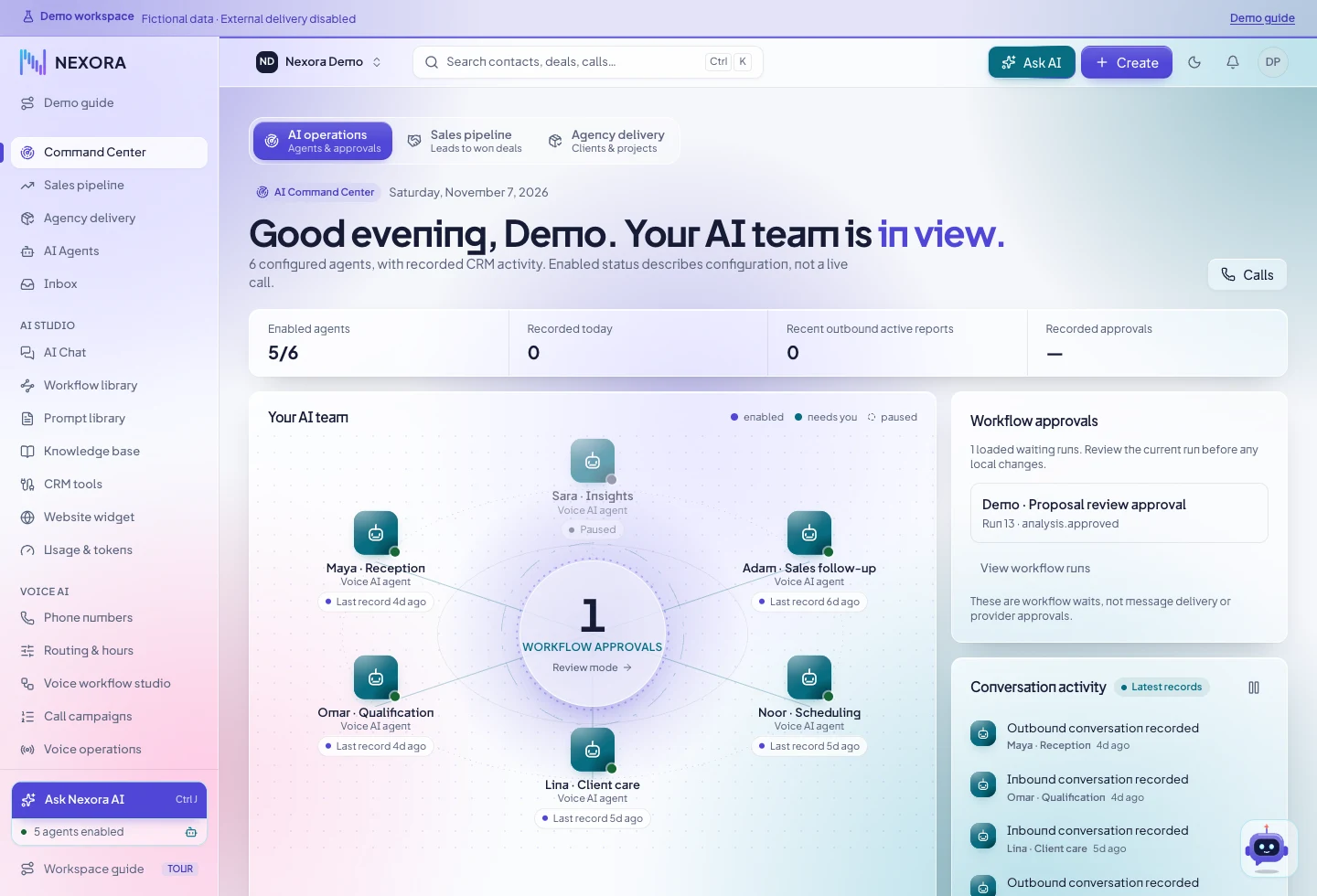
Open the workspace to see assigned work, upcoming commitments and the tools your team uses to manage customer relationships.
02 / WORKFLOW STUDIO
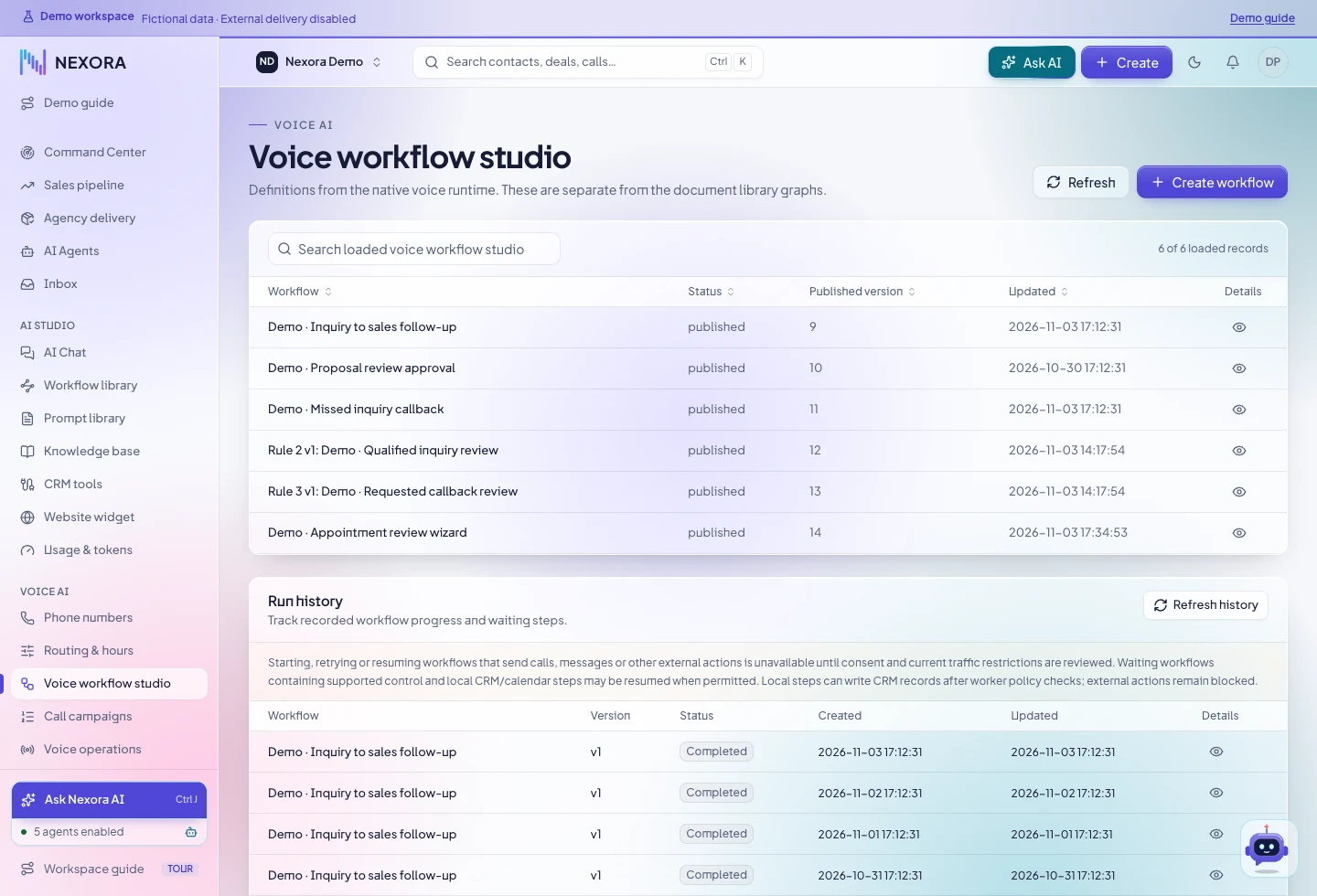
Follow the decision path.
Review the published versions and follow an example through its recorded run history. Expand the screenshot to inspect the Voice Workflow Studio.
03 / APPOINTMENTS
Give a customer commitment a place to live.
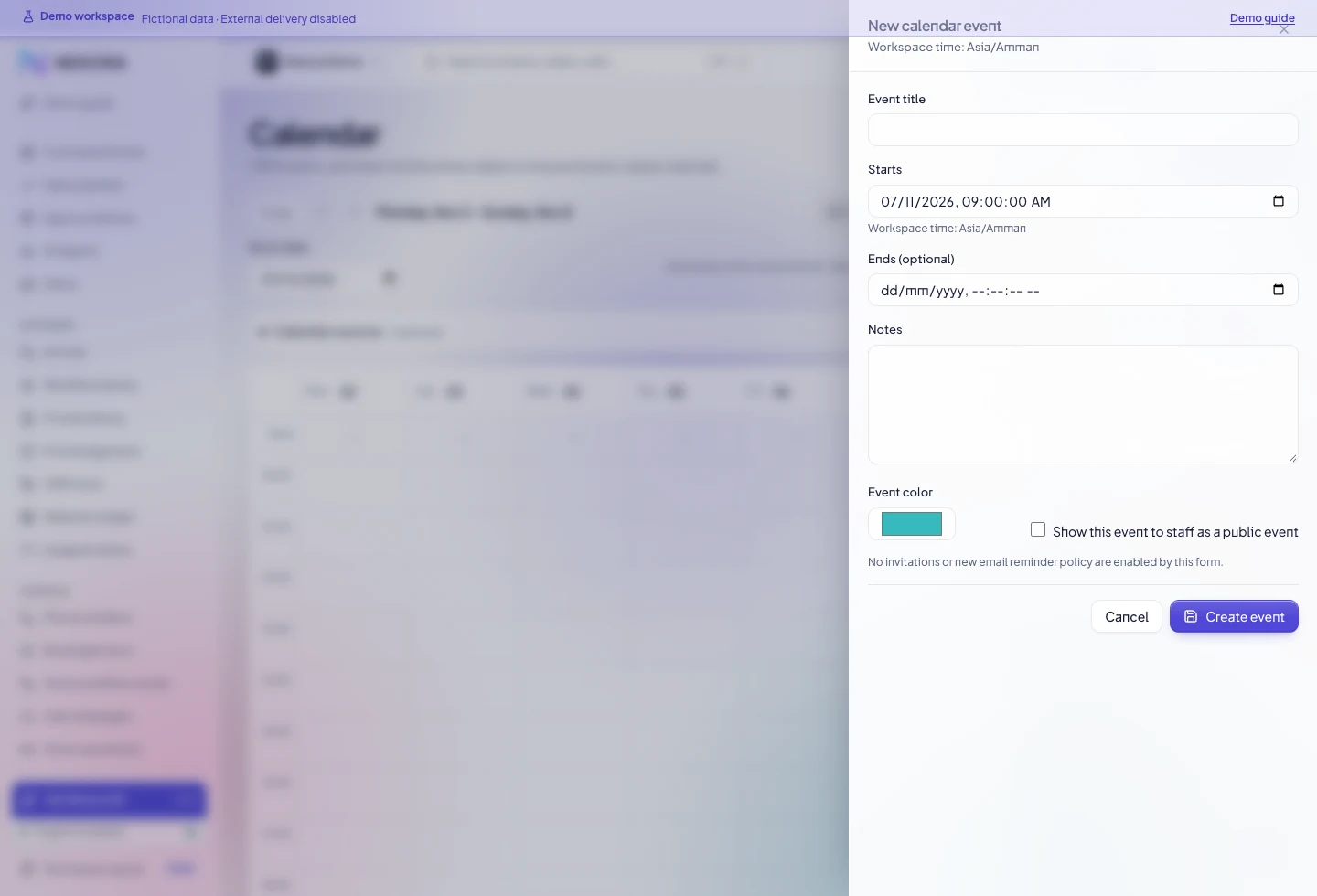
An authorized user can check availability for an internal staff calendar, book a time for an eligible lead, and reschedule or cancel when plans change.
04 / MANAGEMENT REVIEW
See what happened and what is still open.
Use the data available to your role to review the flow and decide where to focus.
Sales review
Look at stage, owner and recorded value, then open the deal behind the numbers.
- Review pipeline stage distribution
- Discuss how your managers use the recorded amounts
Conversation review
Open a call outcome and check the relevant context for the next person.
- Review provider data when it is available
- Inspect the follow-up path and who owns it
Workflow review
Follow the run history when an expected action needs attention.
- Check which path and steps ran
- Decide how an exception should be handed off
Rollout review
Agree on the first workflow and how your team will tell if it is ready.
- List required accounts and routing
- Define the pilot and approval steps
MAKE IT YOURS
Bring your own scenario to the demo.
Tell us how the work starts today and who needs to act next. We will focus the demo on that flow.